
Learn Spanish the way most native speakers say it.
Globalingual teaches Spanish in a complete language learning app. A study path that adapts to you takes you from your first word (A1) to advanced (C2), with quizzes and games that make the words stick.
Free on the web. Coming soon to Google Play.
Type a Spanish word before it lands. Accents are optional here.
Start at your level, then keep going
Short lessons fit around your day, and the app keeps track of what to do next.
Take a quick level check
Tell Globalingual roughly where you are, answer a few questions, and it finds your level from A1 to C2.
Follow your path
Short lessons mix vocabulary, grammar, reading, listening and writing, matched to what you know.
Review and play
Words you find hard come back, and you move up a level when you’re ready for it.
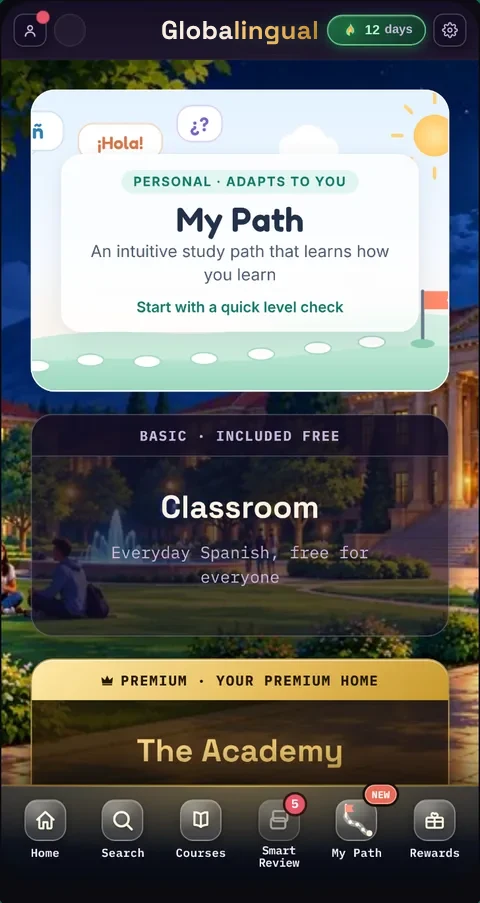
A study path that learns how you learn
My Path builds each lesson around your level and your mistakes. If a topic is going well, you move on. If it isn’t, it comes back in a new way.
Prefer to choose for yourself? Full courses in the Classroom cover everyday Spanish, grammar and reading.
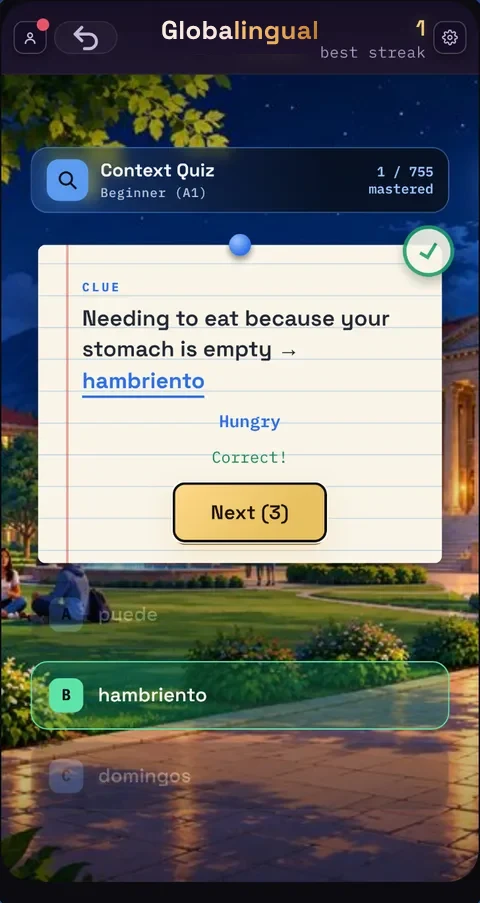
Practice that feels like play
Every quiz and game uses the words you’re learning, so playing is studying too.
- Word Drop
- Context Quiz
- Fill In The Blanks
- Picture This
- Match That
- The Impostor
- Speedrun
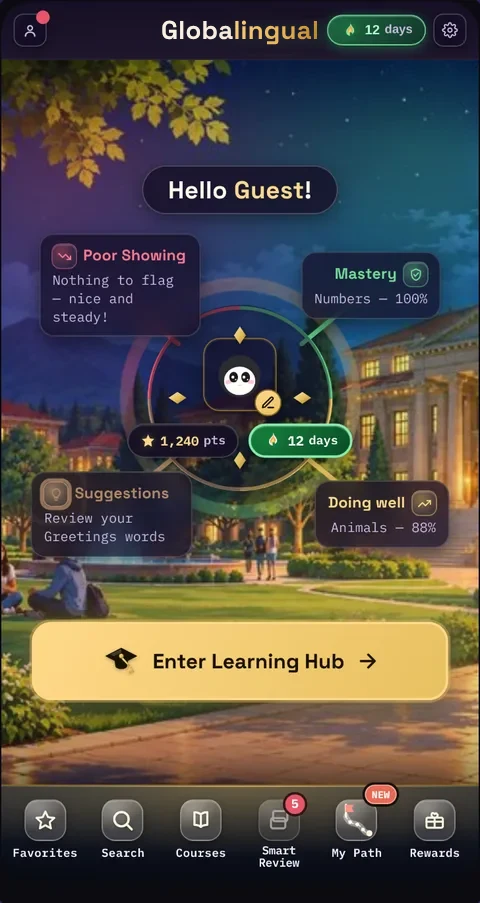
See your progress at a glance
Daily streaks, points and badges keep you coming back. Your home screen shows which topics you’ve mastered and which need another look.
Points can be spent in the Rewards Vault with a free account.
Made for every age
Children, students and grown-ups all learn with Globalingual. Younger learners get a version designed for them.
- Kid-safe modeLearners under 13 use a simpler, safer version of the app.
- Grown-up checksA parent PIN protects purchases and important settings.
- Family profilesA parent can follow a child’s progress from their own account.
Questions
Is Globalingual free?
Yes. My Path, the Classroom, quizzes and games are free to use. Premium is optional and adds extra content and features.
Which Spanish does it teach?
Latin American Spanish, the Spanish used by most native speakers: computadora rather than ordenador, ustedes rather than vosotros. Lessons visit places across the Spanish-speaking world.
Do I need an account?
No. You can start straight away. A free account keeps your progress safe across devices and lets you use the Rewards Vault. Accounts are for people old enough to have one in their country.
Where can I use it?
In any modern browser at play.globalingual.com, on a phone, tablet or computer. The Android app is coming soon to Google Play.
Will there be other languages?
We plan to add more languages over time. Spanish comes first.
Start your first Spanish lesson today.
Open Globalingual in your browser and start with a quick level check.
Start learning free